Online Hearing Test
A quick, free, eight-minute online hearing check that produces an audiogram and a specialist-ready report — all from your browser.
What this guide covers
This guide walks end-users through every step of the Online Hearing Test: preparing your environment, creating a short profile, completing the tone test for each ear, and interpreting the audiogram you receive at the end.
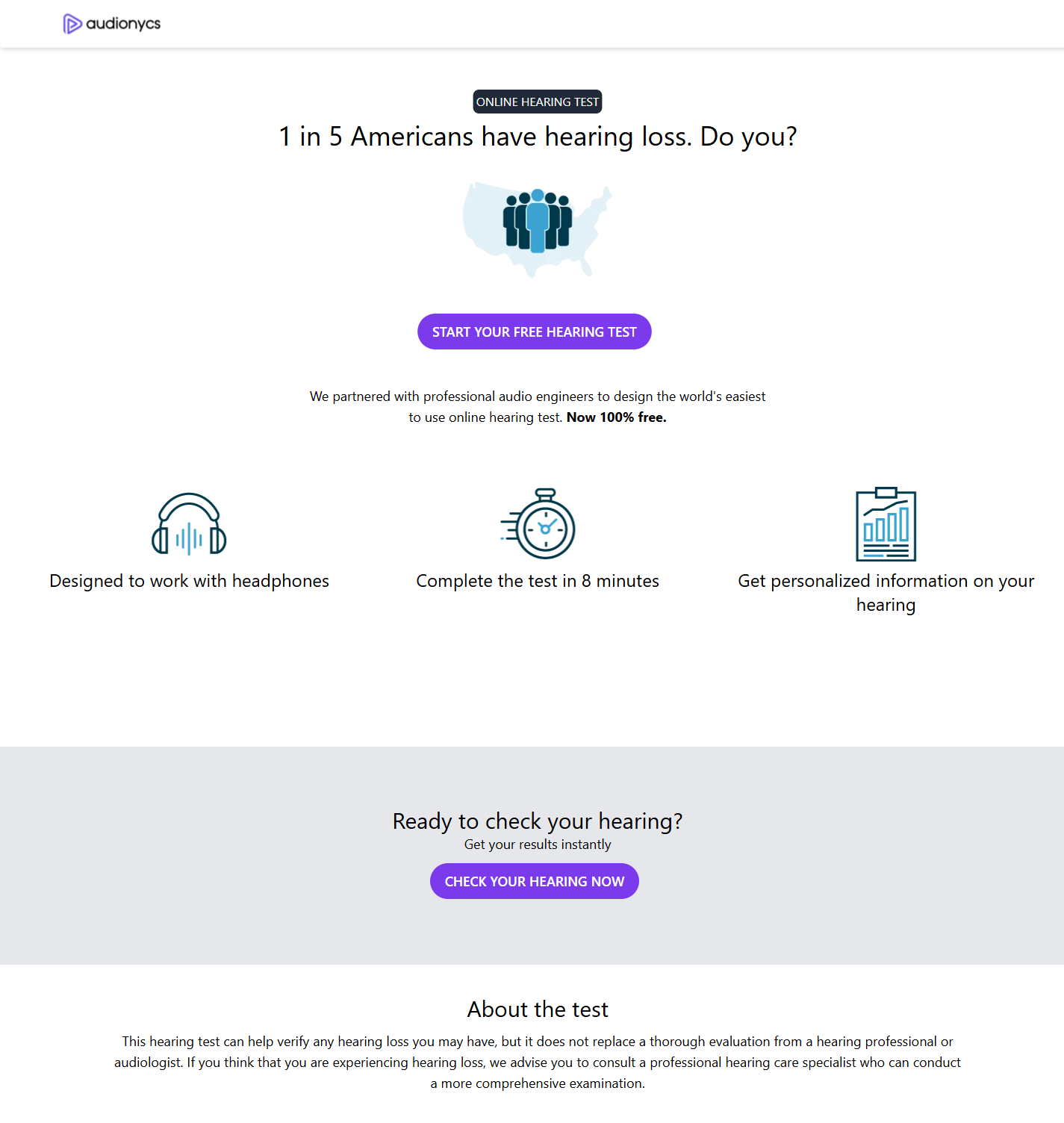
The landing page introduces the test and starts the flow.
How it works
The test presents pure tones at six frequencies (250 Hz, 500 Hz, 1 kHz, 2 kHz, 4 kHz and 8 kHz) for each ear. For every tone, you adjust the volume to the quietest level where you can still hear the sound. Those twelve data points form your personal audiogram.
Profile setup
Enter your name, email and accept the data-use consent.
Environment check
Confirm you are in a quiet room with headphones connected at maximum volume.
Tone test
For each frequency, set the volume to the softest level you can still hear.
Audiogram & report
See your severity indicator, audiogram and frequency-band interpretation.
Before you start
- You need headphones (wired or wireless). Laptop speakers are not accurate enough.
- Find a quiet room — background noise skews the results.
- Set the device to maximum output volume before beginning.
- Allow about 8 minutes to complete the full test.
The online hearing test is a screening tool. If the result suggests any hearing loss, please consult an ENT specialist or audiologist for a full clinical evaluation.