Getting started
What you need, what to expect, and how to prepare before pressing START on the landing page.
What you need
- Headphones — over-ear, on-ear or in-ear. Avoid speakers, as they cannot deliver accurate left/right channel separation.
- A quiet room — ambient noise raises the apparent hearing threshold and produces a worse result than reality.
- About 8 minutes of uninterrupted time.
- A modern browser with audio enabled (Chrome, Edge, Firefox, or Safari).
Your browser will play pure tones during the test. If your system or browser has muted audio, the volume slider will appear to do nothing. Unmute before starting.
The landing page
Open the application in your browser. You are greeted by the landing page which introduces the test and provides a large START YOUR FREE HEARING TEST button.
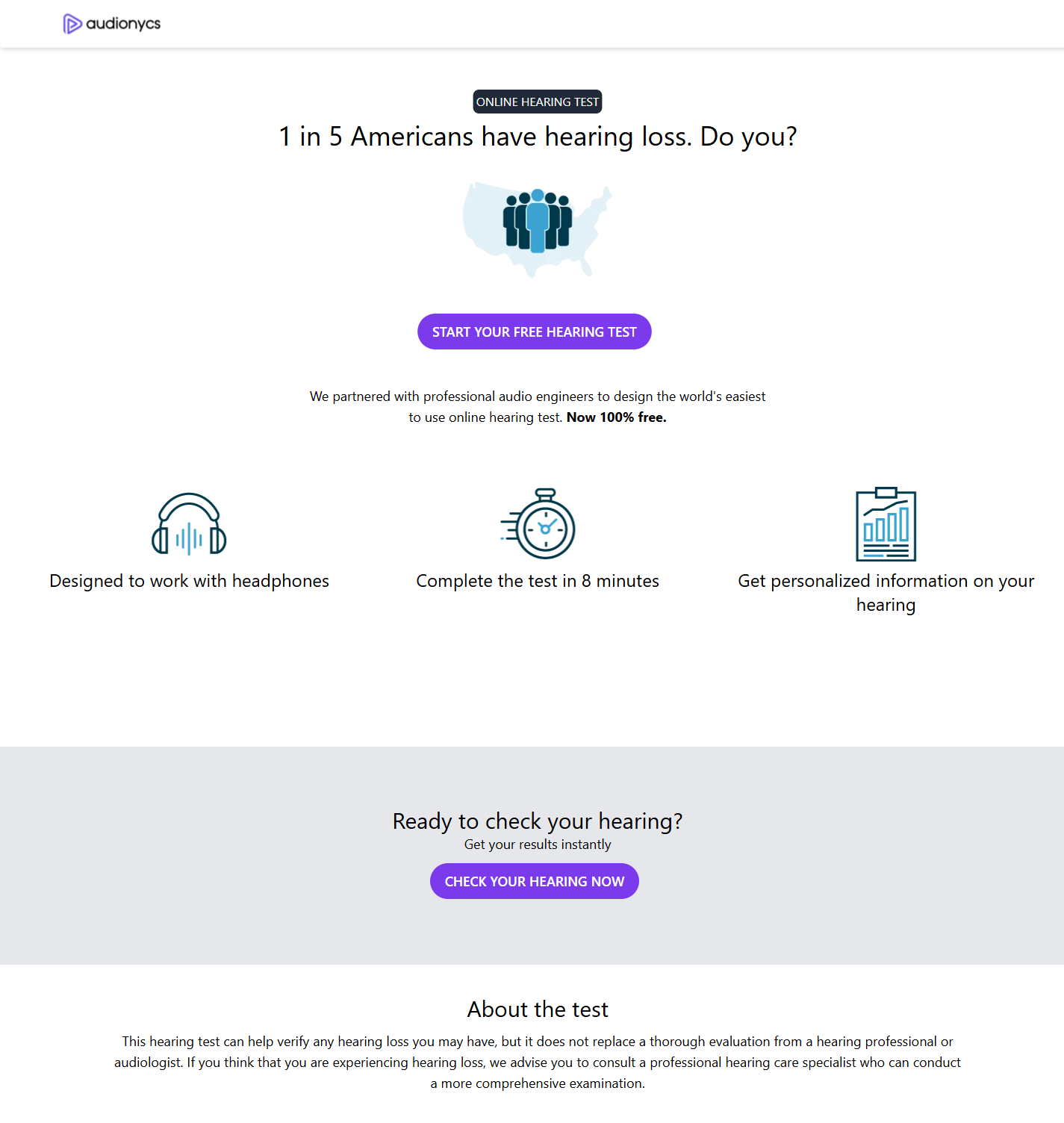
The landing page at /.
On the landing page you will see:
- A short introduction explaining that the test is free and takes about 8 minutes.
- Three icons describing the experience: designed for headphones, 8 minutes long, personalised results.
- A primary START YOUR FREE HEARING TEST button which takes you to the profile form.
- A second call-to-action (CHECK YOUR HEARING NOW) further down that leads to the same place.
- A short "About the test" disclaimer noting that the screening does not replace a professional evaluation.
Preparing your environment
Close the door
Reduce traffic noise, TV, air-conditioning and other background sound.
Plug in headphones
Make sure the left cup is on the left ear and the right cup on the right.
Turn volume up
Set your operating system volume to 100%. You will fine-tune inside the app.
Sit still
Avoid typing or moving the headphone cable during the tone test.
When your environment is set up, click START YOUR FREE HEARING TEST on the landing page and continue to Profile setup.