Taking the test
The tone test has three preparation screens followed by twelve measurement steps — six for each ear. The whole sequence takes about five to eight minutes.
Preparation screens
1. Quiet room confirmation
The first screen reminds you that ambient noise affects the reliability of the test. Confirm you are in a quiet room before continuing.
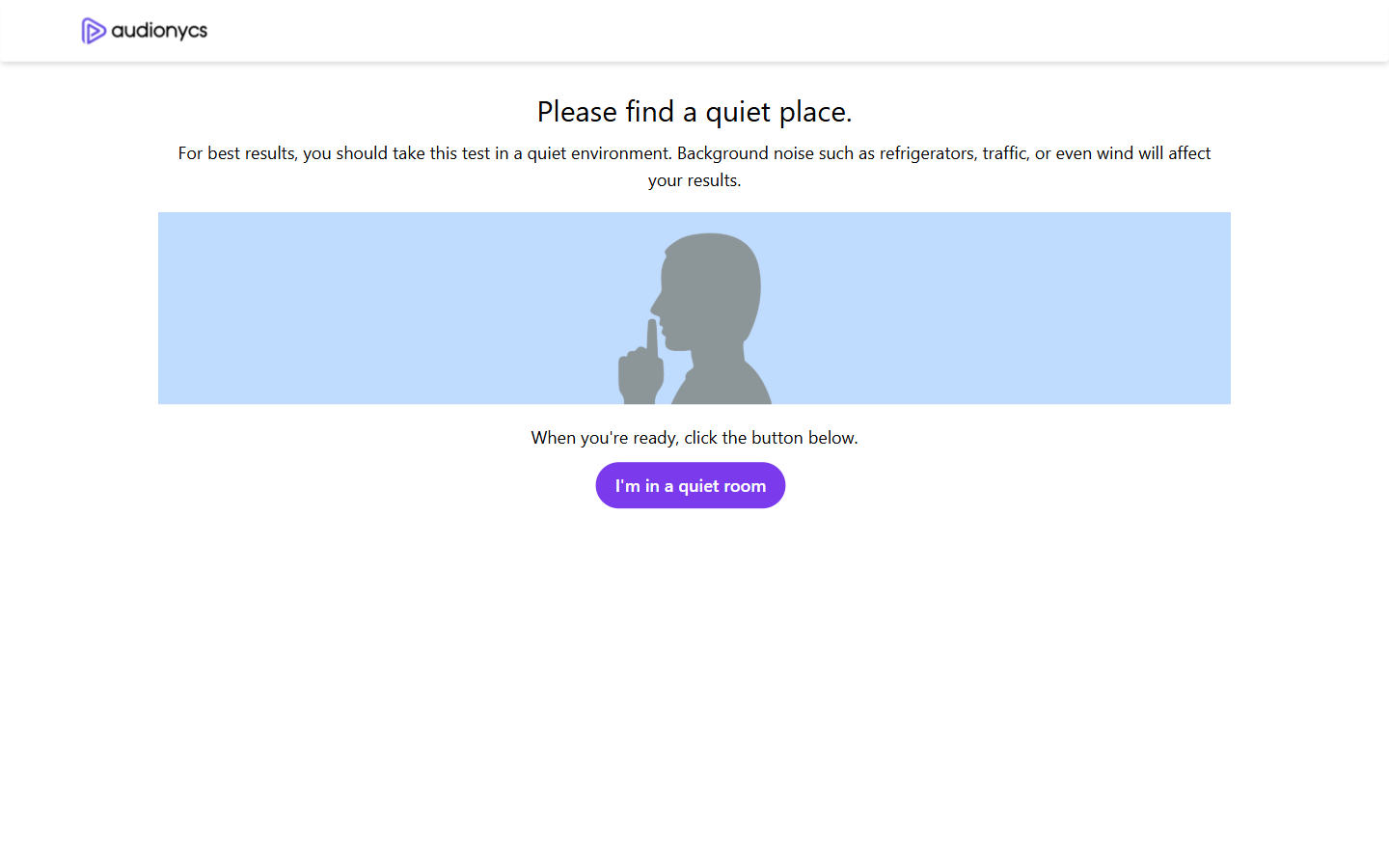
Press I'm in a quiet room to continue.
2. Headphones on and volume at 100%
Next, put your headphones on and confirm. The instruction also asks you to set your device output volume to maximum — the test is calibrated for full device volume, and fine-tuning happens later through the in-app slider.
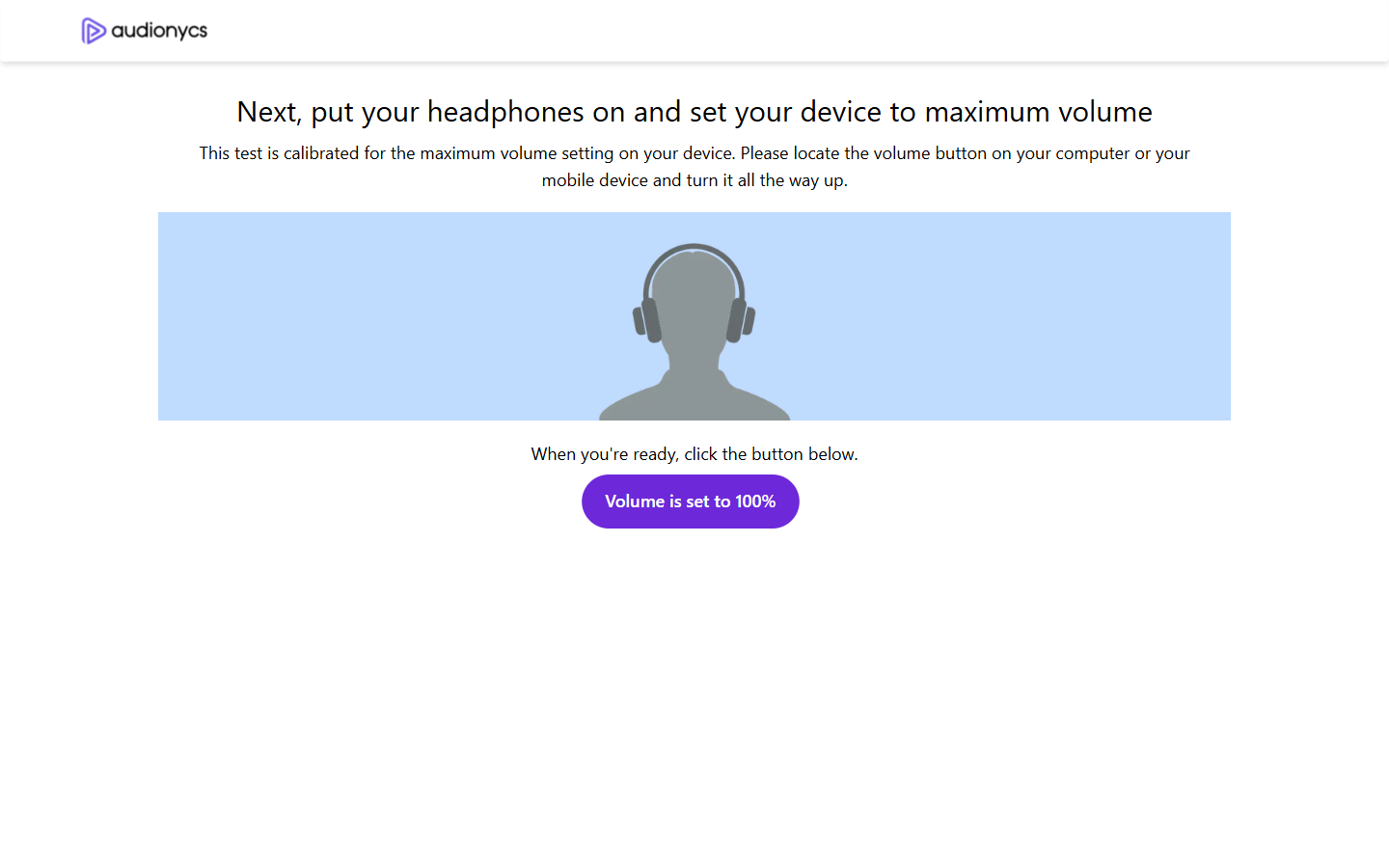
Press Volume is set to 100% to continue.
3. Sound check
Use the two buttons to confirm each side is working before the measurement begins. A short tone should play in the matching ear when you click.
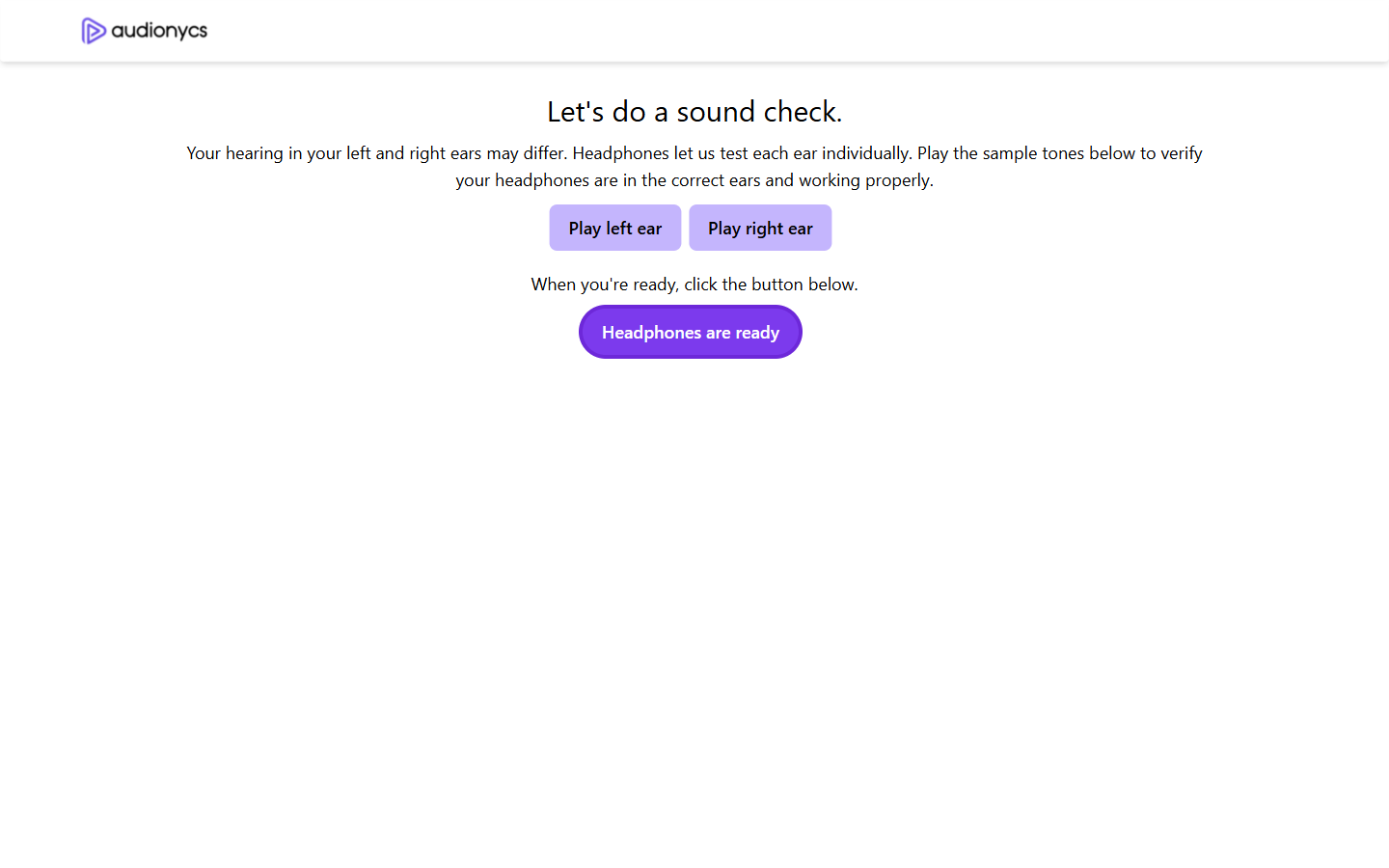
Tap Play left ear / Play right ear to test each channel, then press Headphones are ready.
If you hear nothing, check your OS volume, the headphone jack connection, or your browser tab mute state. Refresh the page after fixing and redo the sound check.
The measurement steps
The app measures six frequencies per ear, always in the order: left ear
first, then right ear. Each frequency is one step, and the header
reads Left Ear: N step of 6 or Right Ear: N step of 6. A
small ✔ Quiet Room. ✔ Headphones On. reminder appears above every step.
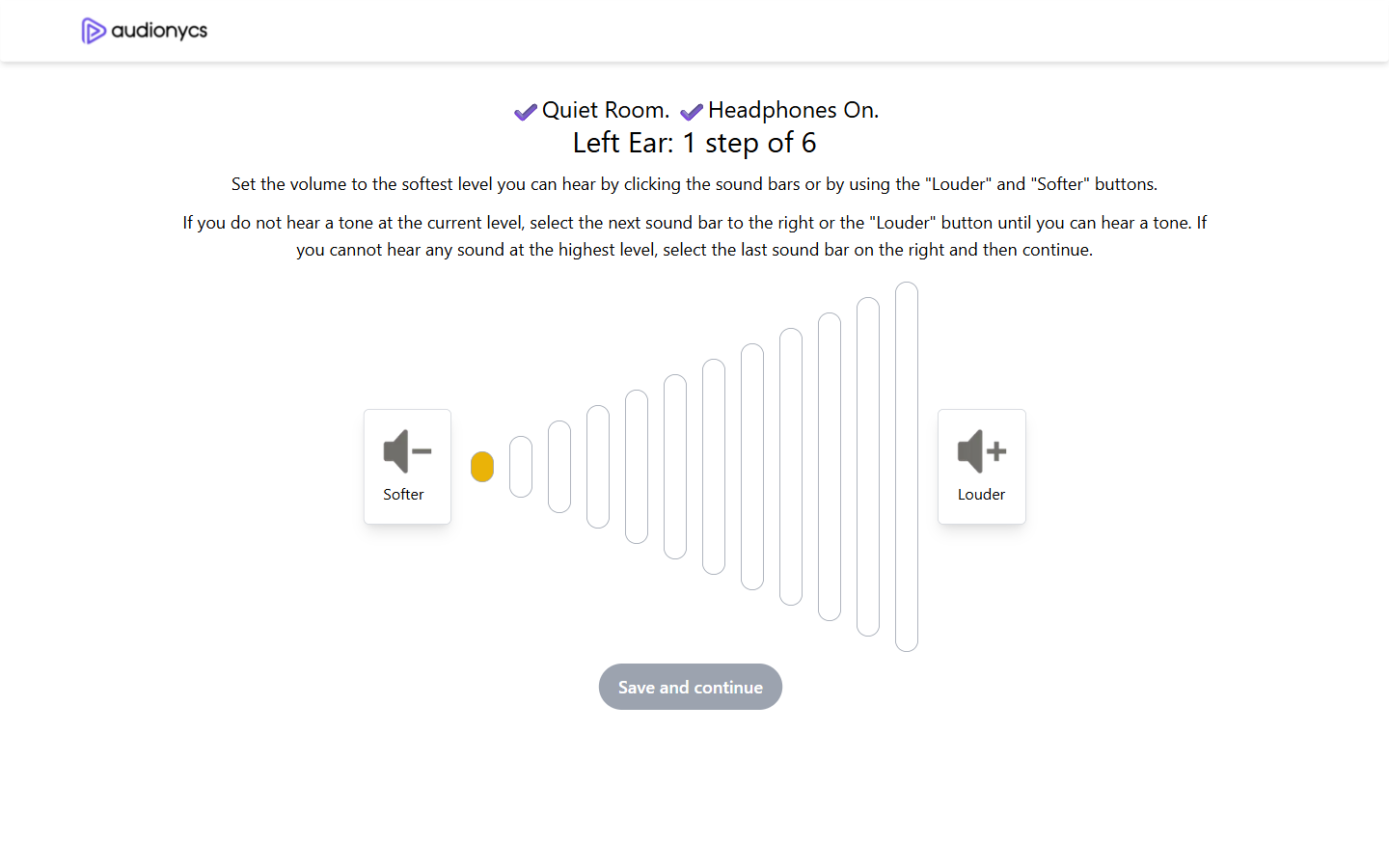
Measurement step: a 12-level volume slider with Softer / Louder controls.
How to answer each step
- The tone starts at the lowest volume (one dot lit on the left).
- Press Louder until the tone becomes just audible — the quietest level where you can still hear it. You can also click directly on any sound bar to jump to that level.
- If you went too loud, press Softer to step back down.
- When the level feels right, press Save and continue.
- The next frequency starts automatically — the slider resets to the lowest level.
If the tone is not audible even at the highest level, select the last sound bar on the right and press Save and continue. The step is recorded as inaudible and contributes to the final audiogram.
Frequencies measured
| Step | Frequency | Typical use |
|---|---|---|
| 1 | 250 Hz | Deep tones, male voices, rumbles |
| 2 | 500 Hz | Low speech sounds |
| 3 | 1000 Hz | Mid-speech, vowels |
| 4 | 2000 Hz | Consonants, children's voices |
| 5 | 4000 Hz | "s", "f", "th" sounds |
| 6 | 8000 Hz | Bird song, whispers, cymbals |
After the last step
When the sixth tone of the right ear is saved, the screen transitions to the results view — a personalised page headed with your first name's hearing test results.